
How to install App on Android?
APK stands for Android Package Kit—the file format used to deliver and install apps on Android devices. Each APK contains everything an app needs to run, including code, resources, and assets.
How do APK files work?
- APK files are essentially compressed archives that bundle an app’s code, resources, and supporting files (like dex files and assets).
- When you install an APK, Android unpacks the archive, extracts the required files, and stores them in the correct system folders.
- The operating system then reads the app’s manifest, which defines its structure, permissions, and components—ensuring the app runs properly.
Guide to Installing APK Files
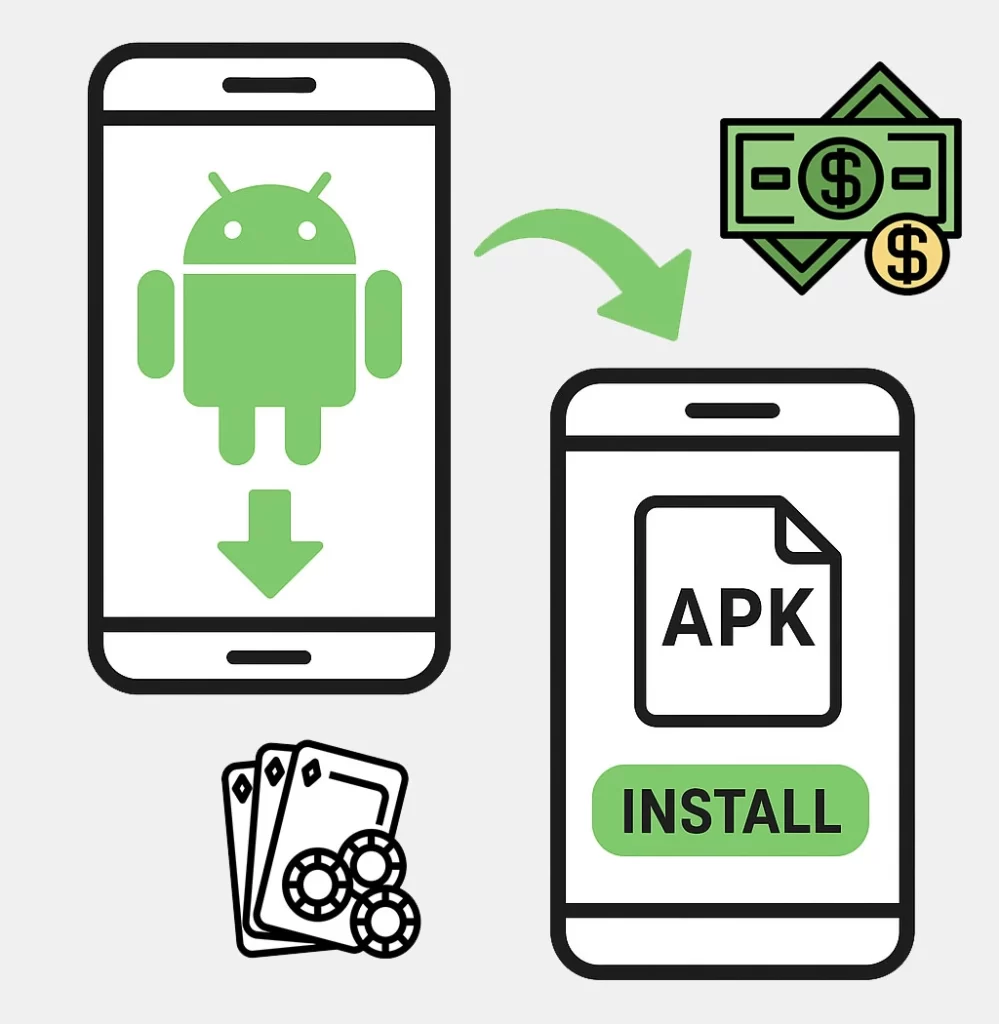
Step 1: Allow Installation from Unknown Sources
Before installing an APK, you must enable permission to install gambling apps from outside the Play Store.
Android 8.0 and above:
Go to Settings > Apps & notifications > Advanced > Special app access > Install unknown apps.
Choose the app (browser or file manager) you’ll use to download or open the APK.
Toggle on Allow from this source.
Android 7.0 and below:
Go to Settings > Security.
Turn on Unknown sources, then confirm your choice.
Step 2: Download the APK File
Download the APK from a trusted source (apkgambl.com). Always make sure it’s safe by checking digital signatures, user reviews, or verifying the file’s integrity.
Step 3: Install the APK File
- Open your file manager and navigate to the Downloads folder.
- Tap the APK file to start installation.
- Review the permissions requested by the app.
- Tap Install to continue.
- Once finished, tap Open to launch the app and confirm it works correctly.
Troubleshooting Common Issues
| Issue | Fix |
| Installation Blocked by Security Settings | Make sure “unknown sources” is enabled. On newer Android versions, check under Install unknown apps for your browser or file manager |
| APK File is Corrupt or Incomplete | Re-download the file from a reliable source. Confirm the download completed and matches the expected file size |
| Not Enough Storage | Free up space by deleting unused apps, photos, or files before reinstalling |
| Compatibility Problems | Ensure the APK supports your device and Android version. Check the developer’s listed requirements |
| The application does not start after installation (page loading error) | Your country is not supported by the online casino license. Try using a VPN. |
| Other | Restart your device. If the issue continues, try reinstalling the APK or look for an updated version |
Frequently Asked Questions
What is an APK file, and why isn’t it on the Google Play Store?
An APK (Android Package Kit) is the file format used to install apps on Android devices. Some gambling providers share APKs directly to provide early access, beta versions, or custom builds that may not meet Google Play Store requirements.
Is it safe to install APK files?
Yes, if the APK comes from a trusted source. Always confirm the developer’s identity, look for digital signatures, and read user feedback. Avoid downloading APKs from unverified sites, as they may contain security risks.
Can I install APK files on any Android device?
Most Android devices support APK installation if you enable the option to install apps from unknown sources in your settings. However, certain APKs may not work if they’re built for different Android versions or hardware.
Will installing an APK affect my device’s performance?
In most cases, no. Installing an APK should not harm performance. However, unstable beta builds or corrupted files may cause crashes, glitches, or slower performance.
How do I update an APK installed outside the Google Play Store?
Updates must usually be downloaded and installed manually. Some apps provide in-app update options, but often you’ll need to download the latest APK directly from ApkGambl or another reliable source.
 EN
EN  FR
FR  ES
ES  TR
TR  PT
PT